

Welcome to Pull My Focus, adventures in the world of video filmmaking, where we provide you with the inside tips you need to produce great video. New videos and their companion articles posted bi-weekly.

Free Assets to use with our YouTube Tutorials
We hope you thoroughly enjoy learning with them.
Video Budget Template-File Type: Excel Numbers
This Video Budget Template was designed to help you follow along with our YouTube video Video Budget Template.
Script Breakdown Sheet: PDF
This Script Breakdown Sheet was designed to help you follow along with our YouTube video Breaking Down a Script for Production.
Premiere Pro Project file: Zip
This Premiere Pro Project was designed to help you follow along with our YouTube video Video Editing File Management.
OBS Studio Tutorial Assets: Abstract Background Still.jpg Animated Border Trimmed Alpha.webm
These resources were designed to help you follow along with our YouTube video OBS Studio Beginner Lesson.


There is a lot to film set design but one part that's super important is the background and the gak that fills it. We're going to show how to think about your background, what the hell is gak, and tips and tricks to design sets and backgrounds that work for your shot.
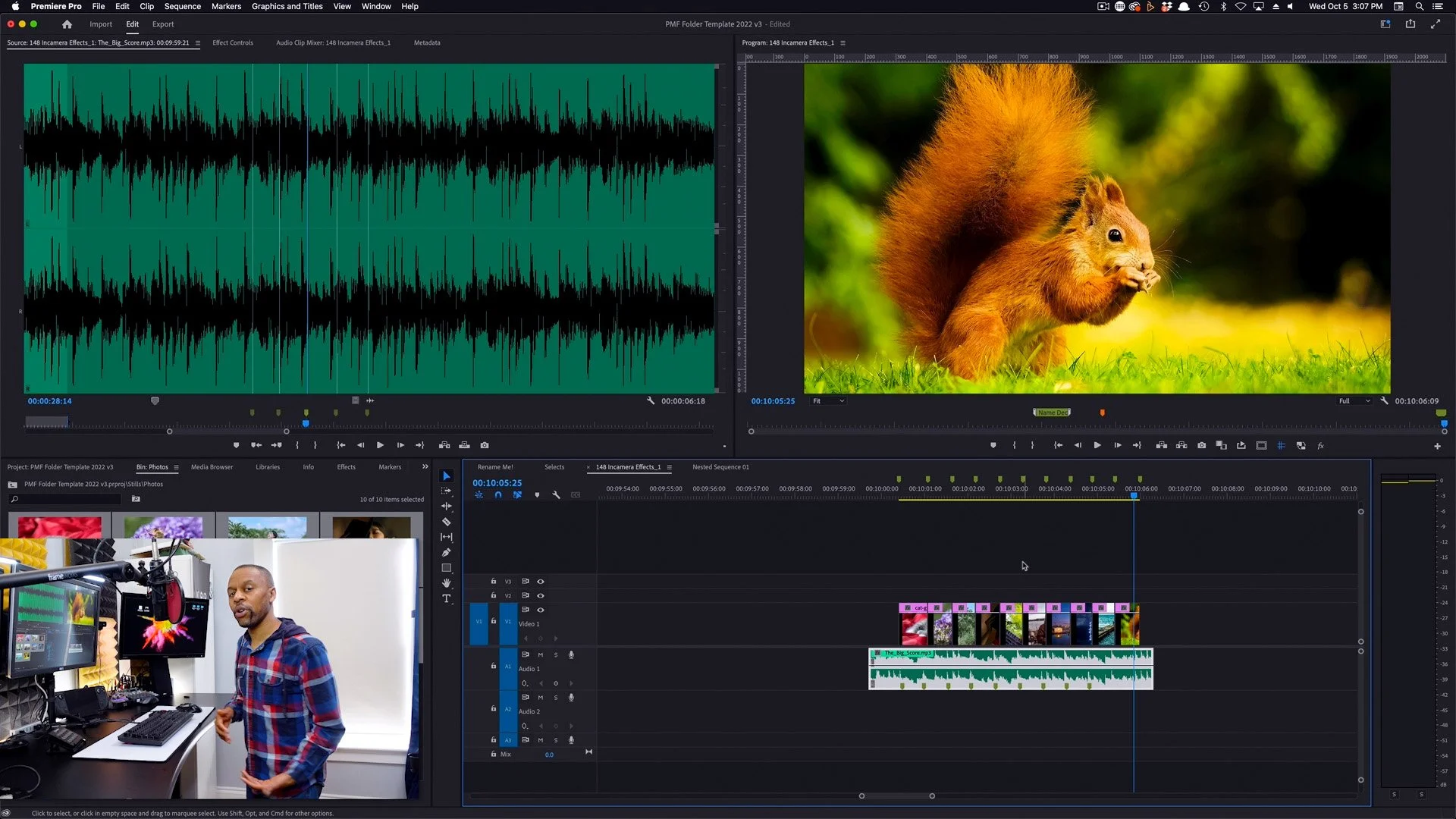
Ever been confused by markers on your timeline and sequence or wondered how best to use them? In this Premiere Pro markers tutorial, we'll show you how to make sense of the different markers and their placement along with some excellent use cases like editing to the beat and animating to a sequence.

Onset we use cutting-edge, high-end digital cameras alongside an ancient technology thousands of years old: Knots. In Grip Knots for film and video, we'll show you the most common knots used on set by grips, electrics, and other departments.
We'll also show you how and why they work so you'll be able to remember how to tie them because you understand what makes that knot unique.
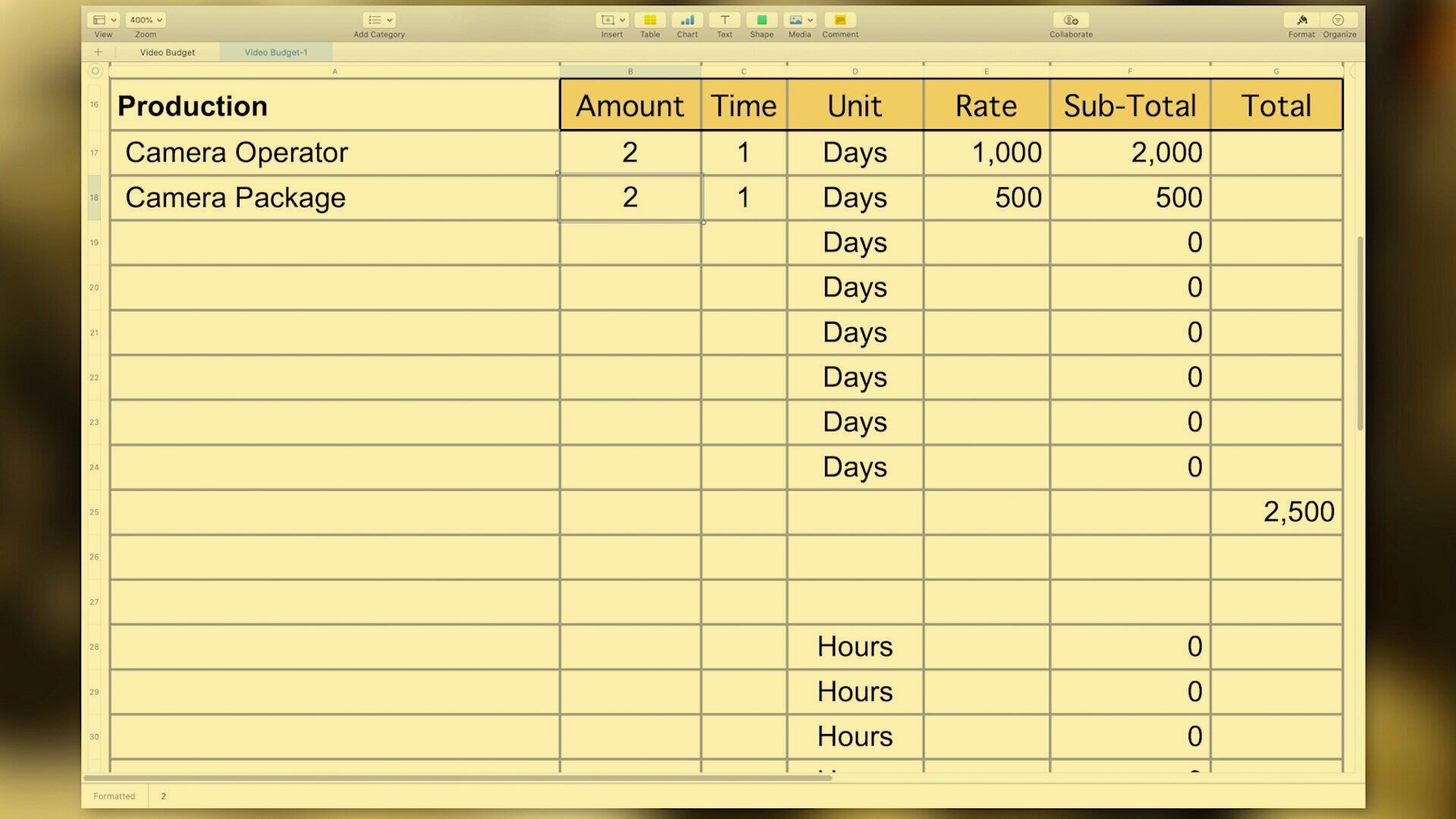
Using a good video budget template is an important part of creating as accurate a budget as you can prior to creating your video. We'll show you how to use our video budget template, how to create your own, how to determine what your costs will be, and important tips we've discovered from years of producing video.

If you can master using gels to change the background color in your videos then you can add color anywhere. We break down color effect gels, their two main uses in video, and show you how to pick from the 100's of color gels to use.

How do you create a realistic fire lighting effect video shot for your project? We'll show you the tricks professional gaffers use to create lighting effects with fluctuating lights and color, what components you need to adjust and how. You'll also learn how to make the right adjustments to change that same firelight into a TV or computer monitor light and other effects.
We also look at affordable LED lighting units like the Pretigo Omicoo Fire Light and Spiffy Gear's KYU-6 wearable effect lights.
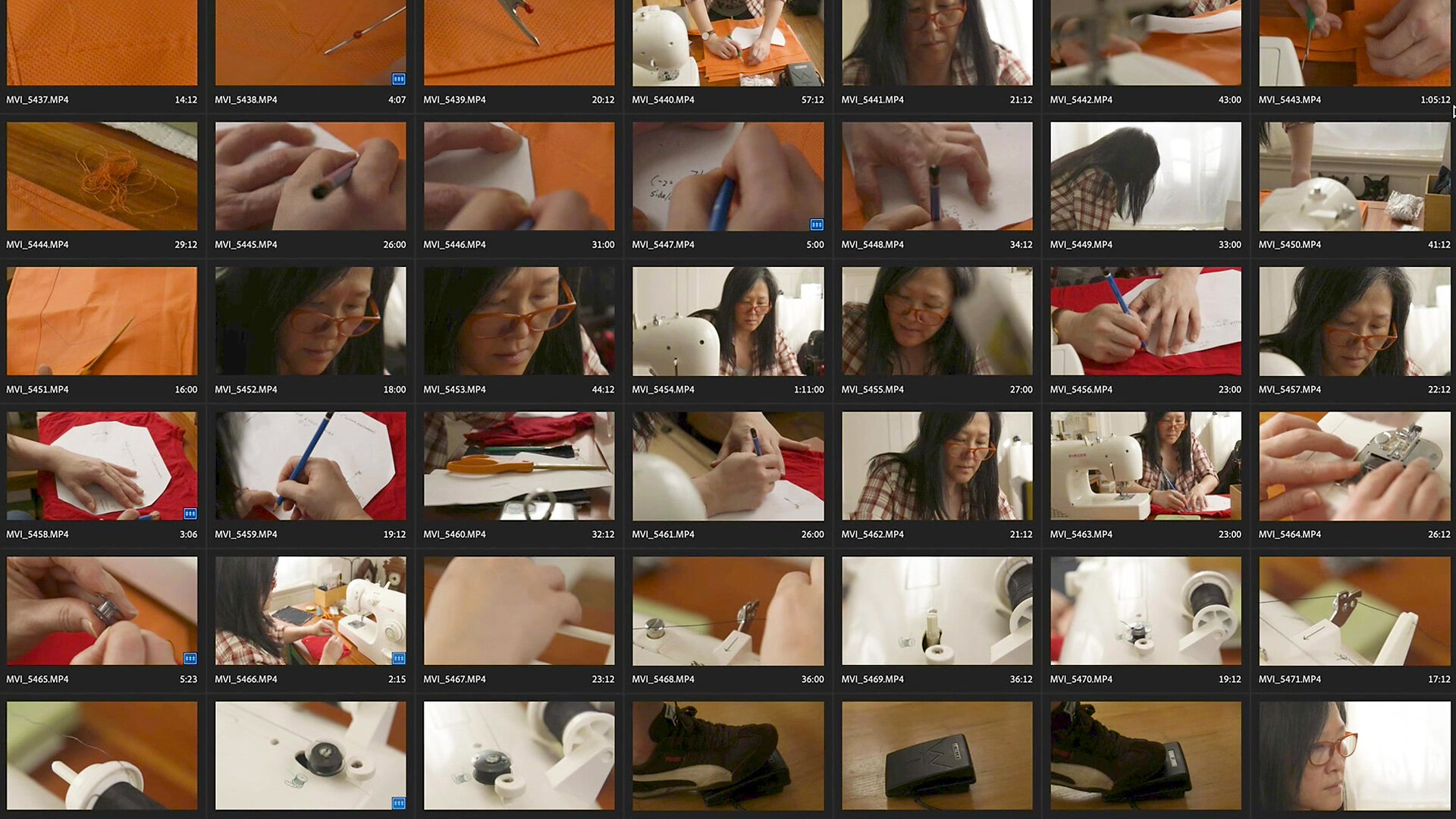
When making an instructional video you need B-roll. Lots of wonderful B-roll. In our part 1 video, we discussed how to figure out what b-roll shots you need and which you don't.
In this video, part 2, we give you tips on shooting that B-roll. How to get in close for insert shots, how to light them, and how to get enough B-roll coverage to work in the edit.
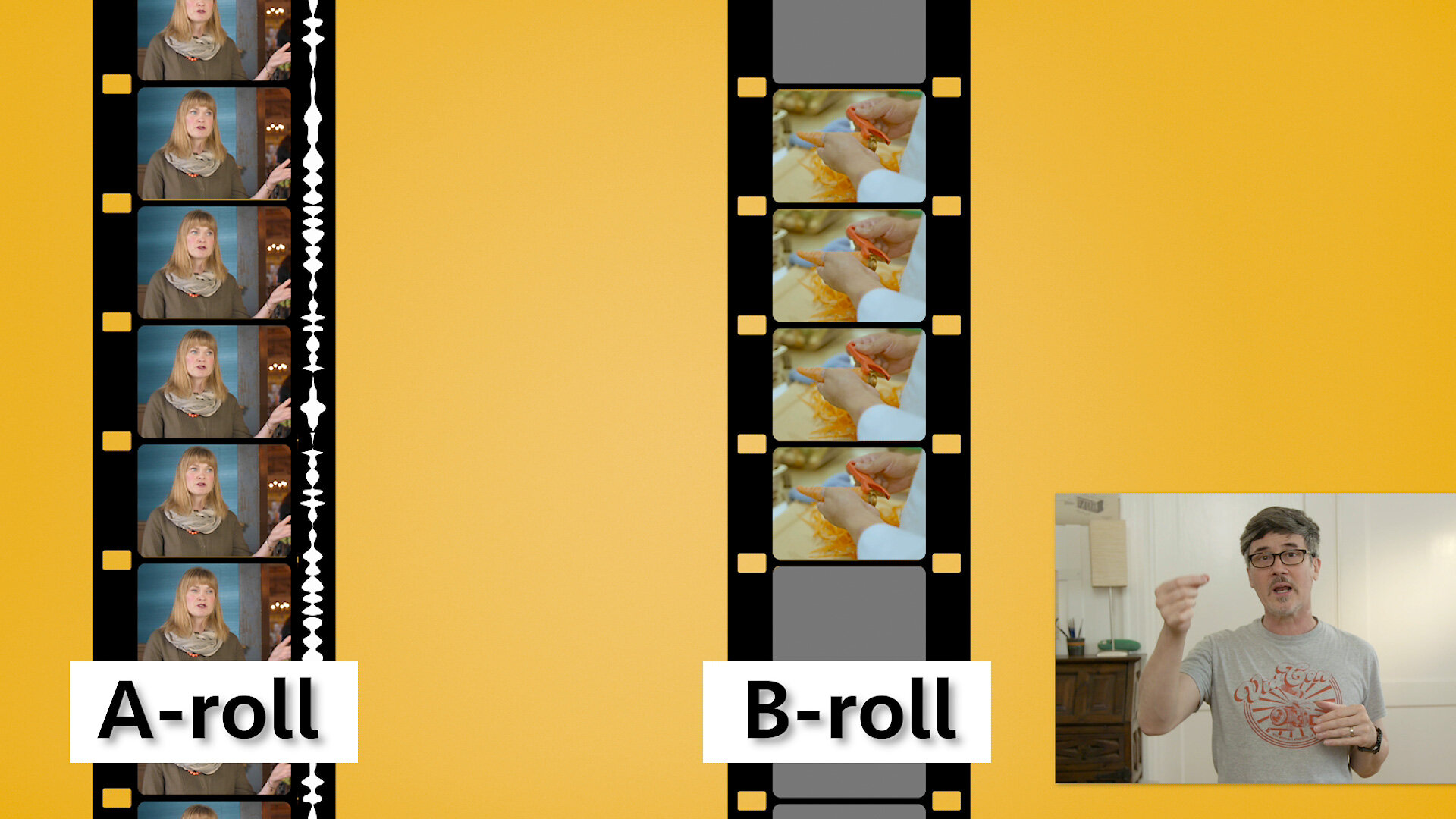
When making an instructional video, how do you decide what b-roll shots you need and which you don't? When to add them and when to leave them out? We break down the two main types of b-roll, how to know what type you need and when, and how to avoid some common pitfalls. We’ll even show you the origin of b-roll.
When making an instructional video you need B-roll. Lots of wonderful B-roll. In our part 1 video, we discussed how to figure out what b-roll shots you need and which you don't.
In this video, part 2, we give you tips on shooting that B-roll. How to get in close for insert shots, how to light them, and how to get enough B-roll coverage to work in the edit.
When making an instructional video, how do you decide what b-roll shots you need and which you don't? When to add them and when to leave them out? We break down the two main types of b-roll, how to know what type you need and when, and how to avoid some common pitfalls. We’ll even show you the origin of b-roll.

While shooting with the DJI Ronin MX, we were also playing around with the DJI Osmo Mobile 3 setup. Given its price and the buzz around, we had to get one to use for shooting our b-roll and for just playing around. And we love it. Manu shows how to balance it, a couple of apps to shoot with, a dual-camera setup to demonstrate how steady it works and more.

Ronin Mx Canon C100 Mark II. Do they work together and if so are their any considerations to keep in mind? How does it compare to using a mechanical stabilizer like the Steadicam or the Glidecam?
We show you how to set up and balance a C100 MkII on the two modes of the Ronin MX (Underslung and Upright mode), tricks to using the DJI App for your setup, and what tips and tricks you need to know to make it work well for your stabilized shots.

What Is The Best Camera For Video Recording? Filmmaking? Content creation? Commercial videography? Marketing videos? There are as many different cameras as there are different uses for the video you shoot. Let's look at a birdseye view of different camera categories to help narrow down a subset of cameras that will fit your needs.

Everyone talks about how to shoot your character shots; medium shot, medium close, close-up, etc but what about shooting B-roll footage for a scene? How do you decide what angle to shoot? And whose viewpoint is b-roll from anyways?

Knowing the names of the different types of camera shots is important but how do you decide when to use them? Would a close-up, medium close-up or medium shot work best for this scene? Should I use over the shoulder shots for a conversation? And what if the characters are not even facing each other? We'll show you the differences and the why to help you decide what shots work best for your projects.

Frank brings his years of experience as a dolly grip to the world of camera slider techniques. A camera slider gives filmmakers the ability to create camera moves without the need to level track or the weight of a dolly. But there are certain basic principles common to both that should be known and practiced.

Most videos on framing and composition in cinematography focus on the 1/3 rule. But the creative art world has thousands of years of experience playing with composition. Let's learn how they use symmetrical and asymmetrical balance, shapes like the circle, triangle, L, and others to guide the viewer's' focus and create a feeling with shots for their story.

There are numerous videos on the 180-degree rule and how it's used in film and video production to set up eye lines. But here's the thing: in three decades, I've never heard it used once on a film set. They talk about something very different, much more relevant, and so much easier to use.

In the still photography world, they have a graphic called the Exposure Triangle to show the associations between Aperture, ISO, and Shutter Speed. But in shooting video, we really don't change our shutter speed. It’s fixed to the frames per second (fps) we're shooting at.

If you looked at depth of field charts after our video on Hyperfocal Distance, you probably wondered why there were different charts for different sized digital sensors. So did we. So we cover why they're different in the charts, look at circle of confusion and how to use it in your videos, and give some focusing tips.

So focusing on a person or object isn’t that hard. You zoom in or use magnify, adjust focus, and then zoom back out. They’re in focus. But what if your subject moves in place or you have two subjects in the frame? What do you do? Can Hyperfocal distance help?
Frank explores focusing, depth of field, near and far focus, hearts on some sweat bokeh background, and shows you how to find the hyperfocal distance via charts but also without then when you're on location.

If you’ve spent any time around digital video than you’ve heard the terms Full Frame, Crop Frame, and that damn Crop Factor. But where did this terms come from and do they really have anything to do with us in the video world?

Today we're going to show you three simple video tests you can record to help you discover your visual style. In each test, we’re going to change just one parameter to see how it affects the look and feel of our shot. You can apply this same principle to other forms of video and audio tests.

Magic Lantern software helps push the Canon 5D mark iii to its limits. What does that look like and is it worth it? Spuds shot some tests while in Hawaii (vacation? What vacation?) with his Galaxy Note 4, Canon 5D mark iii recording h.264, and then raw using Magic Lantern software installed on the camera. The results are very interesting.

We’re all familiar with using a tripod to get standard shots in our videos but what if you need to rig the camera overhead, pointing it straight at a table for those product or food beauty shots. Or to rig it higher up to record straight down at a person. Frank looks at a few simple rigs using grips stands and shows how to make a “goalpost” rig for more stable overhead shots.

We explain how a simple equipment test was converted to a small humorous sketch. Included are some equipment and workflow tips that may help you enhance your video projects.
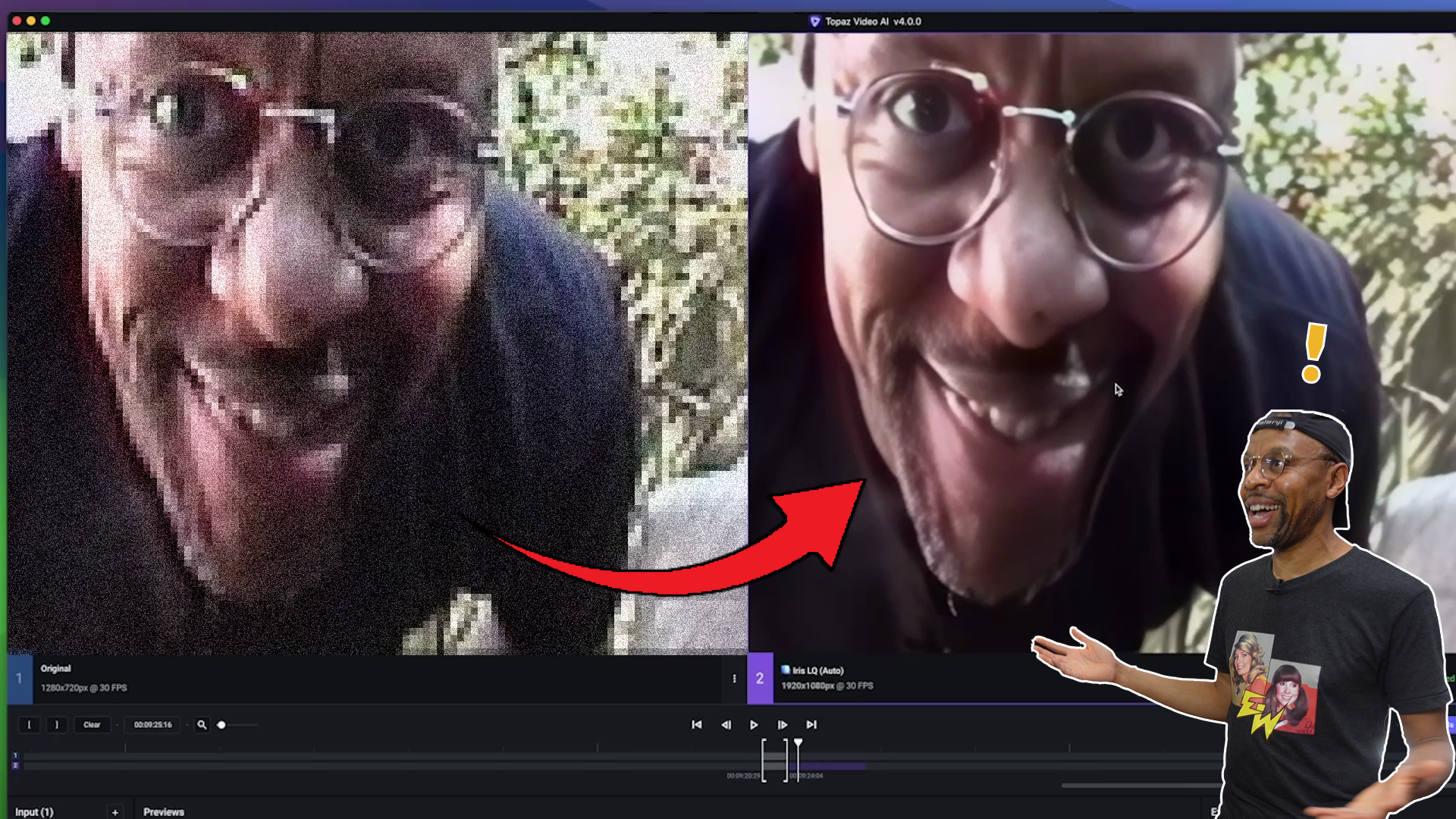
Topaz Video AI by Topaz Labs has reached version 4! This amazing video application can not only enhance existing video, but it can also give you better slow-motion, stabilize shots without a gimbal and make old DSLR HD video look great! See how it handles our 1990's video from a 1990's Hi-8 camera...just like back in the 1990's!!

Over time you collect thousands of assets: hero shots, b-roll, stills, graphics, audio and stock footage. Searching through them can be a real time suck. Kyno media management software to the rescue. After producing over 122 Pull My Focus videos, we have many digital media assets. With Kyno's Flat View Hierarchy we can see, sort, and filter our assets visually. We were so blown away by how amazing it was we bought it before the trial period was over.
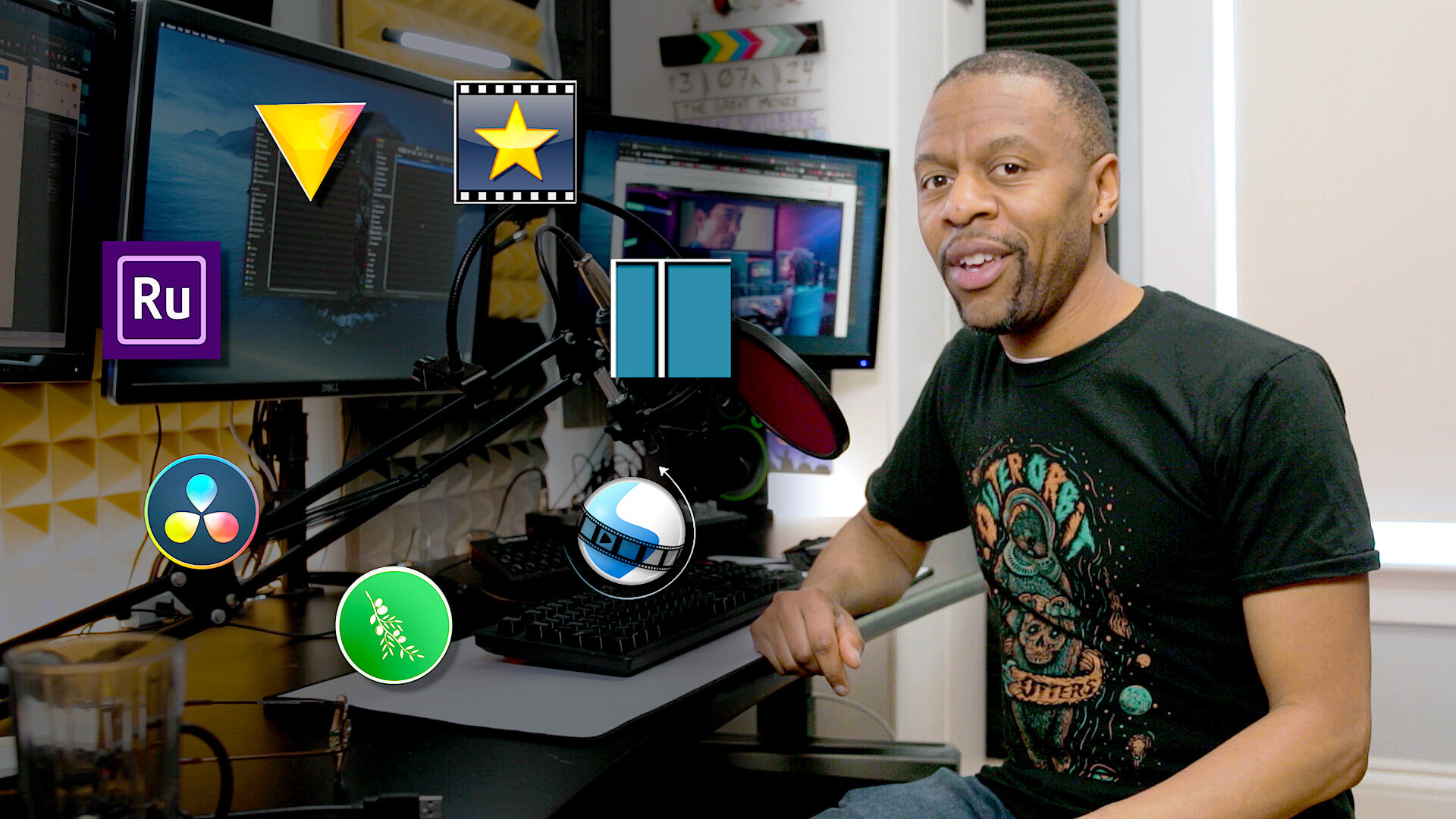
Do you want to try out video editing but the cost of the software turns you away? We use Adobe Premiere Pro for editing here but if the price is an issue for you, we rate video editing software, free and mostly free versions. We look at Open Shot, Shotcut, Olive, VideoPad, Hitfilm Express, Adobe Premiere Rush, and DiVinci Resolve. Then we rate how good they are for experienced and inexperienced editors.
It's important to keep all phases of video and film-making problem-free, but nowhere is it more important than during the video post production process. Manu discusses topics such as how to stay organized, communication and feedback, collaboration tools, and the importance of plug-ins.

Do you perform your color correction and grading by moving sliders around? Are you confused by what the actual differences are between color correcting and color grading? Welcome to color correction made easy step by step part 2. Manu shows you how to color grade your footage using Curves, LUTs, and other color grading tools in Adobe Premiere Pro.
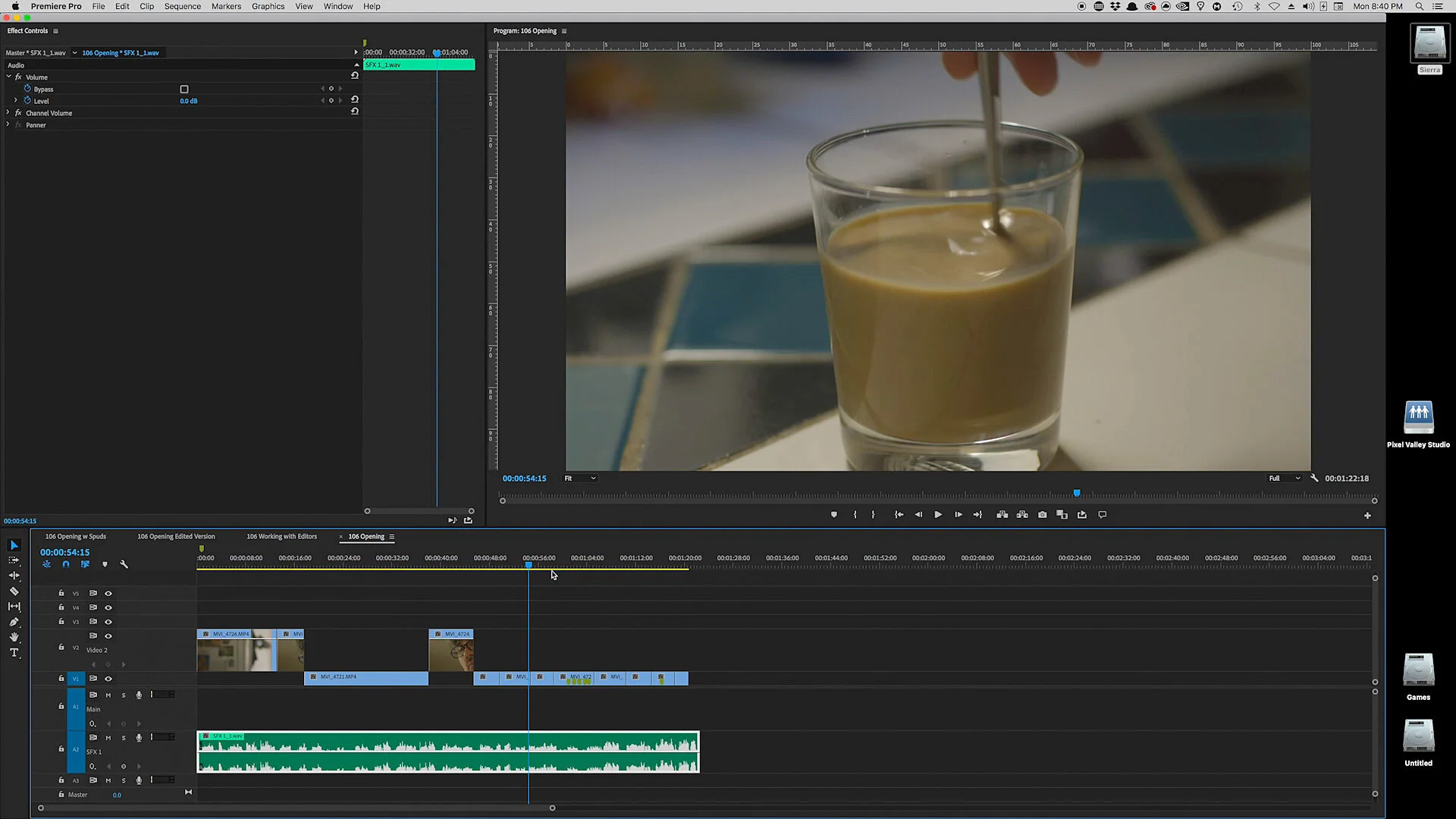
Maybe you've gotten really busy with video work or you want to bring your videos to another level. At this point, the idea of working with an editor on your video projects looks great. But how do you communicate to them what you want? Sure you have a script but there's so much more involved. The Assembly edit to the rescue.
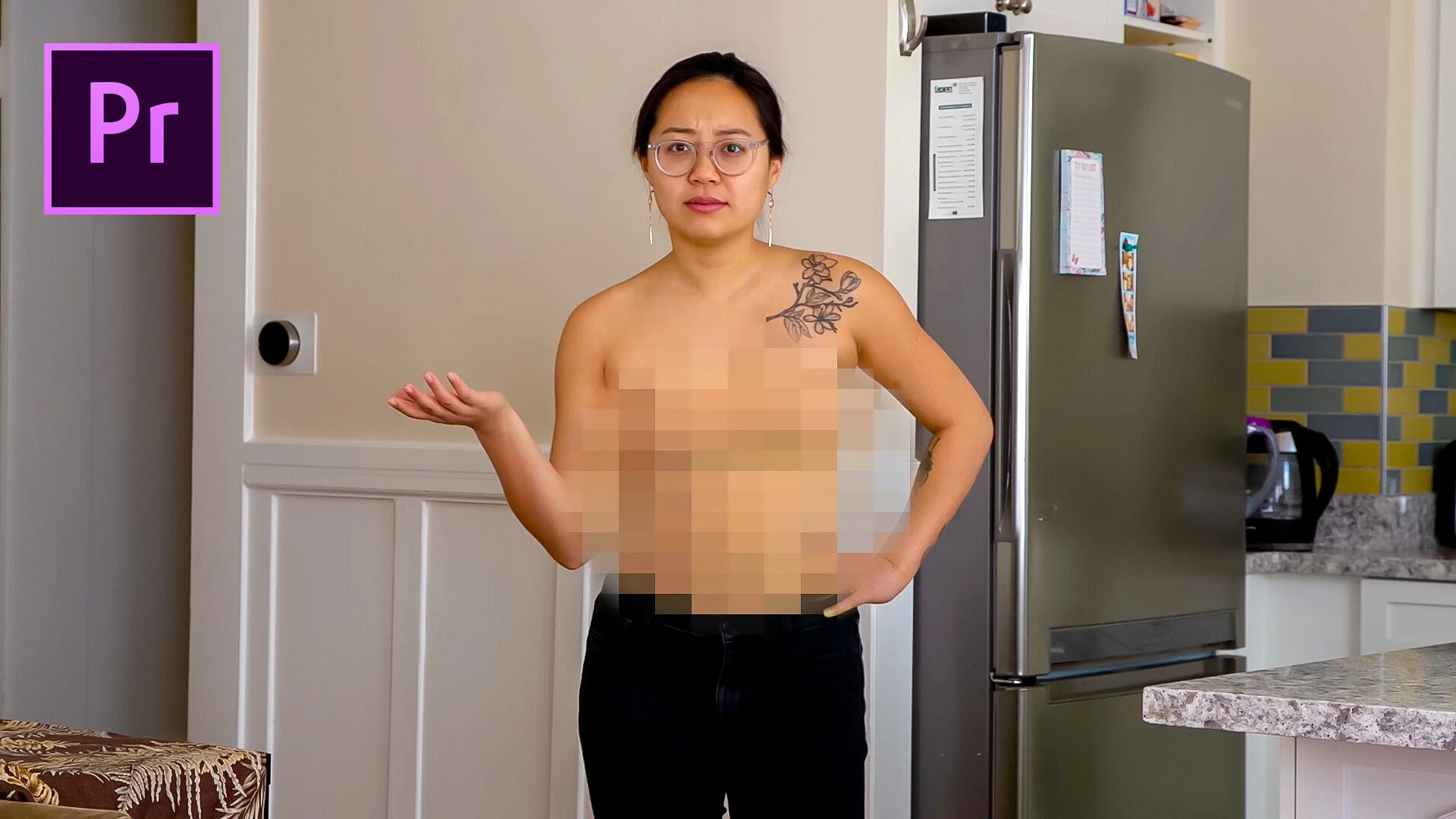
You want to blur faces in a video using Adobe Premiere Pro but how do you track the person if they're moving? Manu shows you how to create and adjust a mosaic to blur out a person or an object's identity and how to let Premiere easily track their movement for you (no key-framing!). He also covers how to create the time-honored black Charlie bar.

Manu shows you how to spice up your videos with some tips that are pure gold, using footage from his sunny, hot vacation with the family at Disney World. 3 tips on how to spice up a slide show, where to find simple and free transitions, using footage to tell a story, and more.

In post-production, the editing timeline is where the magic happens. But all those layered clips, effects, and transitions can get out of control and cause unforeseen problems. In Premiere Pro, nesting sequences save the day.
Manu covers nesting tip and tricks such as adding effects to multiple clips, using warp and speed, and when to use nest or a subsequence.

Take a tour of the PVS Editing office and learn how Pull My Focus gets the job done. Manu takes you through a tour of his setup, shows off his Mackie cr3’s, Q-NAP Nas setup, his wonderful 72” Updesk, why he has three UPS (uninterruptable power supplies) and his wonderful Dell and Asus HD monitors.

Cuts and transitions in editing are powerful but it’s easy to forget their importance when we focus on so many aspects of production: cameras, lighting, locations, sound and so on. So we decided to have a little fun and edit a scene three completely different ways, the Jane and Julie scene from our Shot Lists video.

Always wanted to create animation but don’t have a 3D studio with a motion capture stage? If you have a room with an HTC Vive VR setup now you do. Spuds show’s off the Steam game Mindshow that’s designed to be a virtual 3D studio. He talks about our past as machinima pioneers the ILL Clan 20 years ago, shows how easy it is to create animation in virtual reality with Mindshow and talks to another version of himself. The man loves to composite, what can I say.

This week Spud shows you how to read and adjust white balance and skin tone in Adobe Premiere, what neutral cards to use on your slate, and why adjusting by eye may not be such a good idea.

Color balancing and correcting all start from correct white balance but where do you start if you have actors of various races and skin tones? If you understand how to read the skin tone line on the vectorscope, it can make all the difference.

If you’ve dabbled with editing and Premiere Pro, you’ve seen its levels of complexity. Spuds delves into one layer to help beginning editors work faster and easier. He gives tips on monitors, templates and Premiere Pro timeline tips.

What’s the difference between reverb and echo? How do you minimize reverb in a small room without covering every inch of the walls with acoustic foam? What is good acoustic foam? Spuds covers all this and more as he shows how he strategically set up acoustic foam panels on his walls to minimize reverb when he records sound and when he edits audio.

Spuds gets tied up explaining how we made the Hackintosh video collaborating on WriterDuet, using more than one microphone input into the two-input Zoom H5, and without renting a white cyc studio.

We’re so used to digital post effects and CGI that we forget that in camera effects were the defacto SFX technique back in the day, and are still used today. Spuds creates both in camera and post effects with the help of Micah and looks at the history and use of a time-honored technique: from Pepper’s ghost to a recent episode of “Sherlock.”

Spuds explores the different types of editing computers and gives advice on how to decide which is best for your needs. Do you need a fast editing machine but like the Mac OS? He also highlights the pro's and con's he discovered when he built his own Hackintosh, a PC/Mac hybrid.

Ask any video editor what the most used transition effect in their arsenal of effects is and she'll usually say the dissolve. Besides a direct cut, the dissolve is a staple in the book of film and video editing. How did editors perform a dissolve, or what is also called a "cross fade" before digital editing was available?

When you’re in the business of creating video productions, you will quickly notice that it doesn’t take long for digital assets to get out of hand. It only took me two or three projects before I realized that I needed to develop a system so I could manage the sheer amount of files I had to keep track of with every project.

There are times when you need a gorgeous shot of a landmark location. Or a dynamic shot of a jet plane on the runway. Or maybe a high tech office location shot. You can rent tons of lenses, lights and airline tickets and go shoot it yourself, or you can turn to stock footage. But how do we make stock footage look exciting?
We explain how a simple equipment test was converted to a small humorous sketch. Included are some equipment and workflow tips that may help you enhance your video projects.
If you can master using gels to change the background color in your videos then you can add color anywhere. We break down color effect gels, their two main uses in video, and show you how to pick from the 100's of color gels to use.
How do you create a realistic fire lighting effect video shot for your project? We'll show you the tricks professional gaffers use to create lighting effects with fluctuating lights and color, what components you need to adjust and how. You'll also learn how to make the right adjustments to change that same firelight into a TV or computer monitor light and other effects.
We also look at affordable LED lighting units like the Pretigo Omicoo Fire Light and Spiffy Gear's KYU-6 wearable effect lights.

What are some tricks when video lighting with lamps beside the usual stuff like getting an exposure, key and fill? What if we saw a reflection of the lamp, the light source, in the shot? Could we use that to affect the contrast in our shot?
Yes, we can, they're called Hot Kicks and we'll show you how.
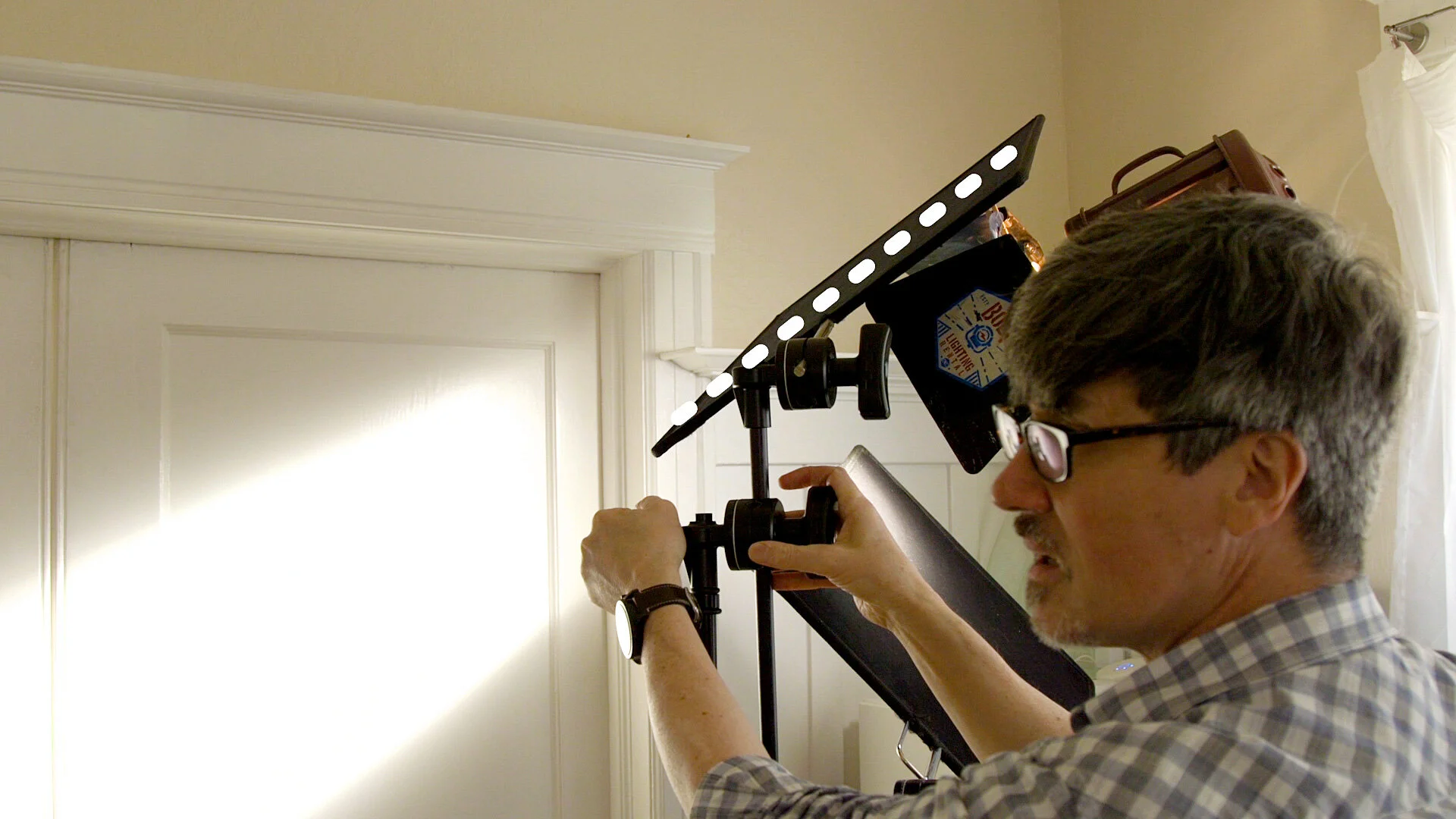
There are two parts to basic video lighting: lights and shadows. Lighting and light units usually get all the attention but what about the grip’s art of cutting and netting light? Let's look out how we can use flags and nets to adjust the contrast in our shots on the sets and our actors. We also make a window pattern and make our own cucoloris.

Have you wondered how to use a C stand, that odd-looking piece of equipment you see on every film, video and photography set? We'll show you how to use them, what they’re for, and why we think every household should have at least one C stand.

Bright sunny day. Great time to shoot inside a car. Or is it? The roof of the car lost all that light. Your actors are dark but the windows are so bright. Let's look at how to light a car scene so you can handle all that contrast for daytime, sunny car interior shots.

Framing techniques in film and video usually focus on composition and the 1/3 rule. But what about guiding the viewer's focus in the frame? What about all that other stuff vying for their attention?
What are different ways in your frame to guide the viewer's focus, their attention, to what you want? And how do you avoid objects stealing focus? We look at ways using composition, detail and lighting/contrast.

You need to shoot an interview. Maybe it’s for a documentary, a client video, a youtube video. How do you do it? Maybe you’ll shoot them in their house? Their office? Outside? Do you need lights? And what about the audio? What if you don’t know much about lighting or audio? What do you do?
We’ll show you the two most important tips on how to shoot without lights and how to get great audio.

Can you use a ceiling light for video? Usually, they're terrible point source lights that just look wrong for a video shoot. But what if we converted it into a bigger, softer source and dimmable? We'll show you how we converted Manu's ceiling light using the design of box lights from the film biz.

There's one key trick to a video lighting setup that if you can understand it, will make it easy for you to light different film styles. Contrast defines a film noir shot from a high key Hollywood scene, glamour and others. In this tutorial, we'll explain contrast and the contrast ratio, how to determine what it is, and how to light using it.
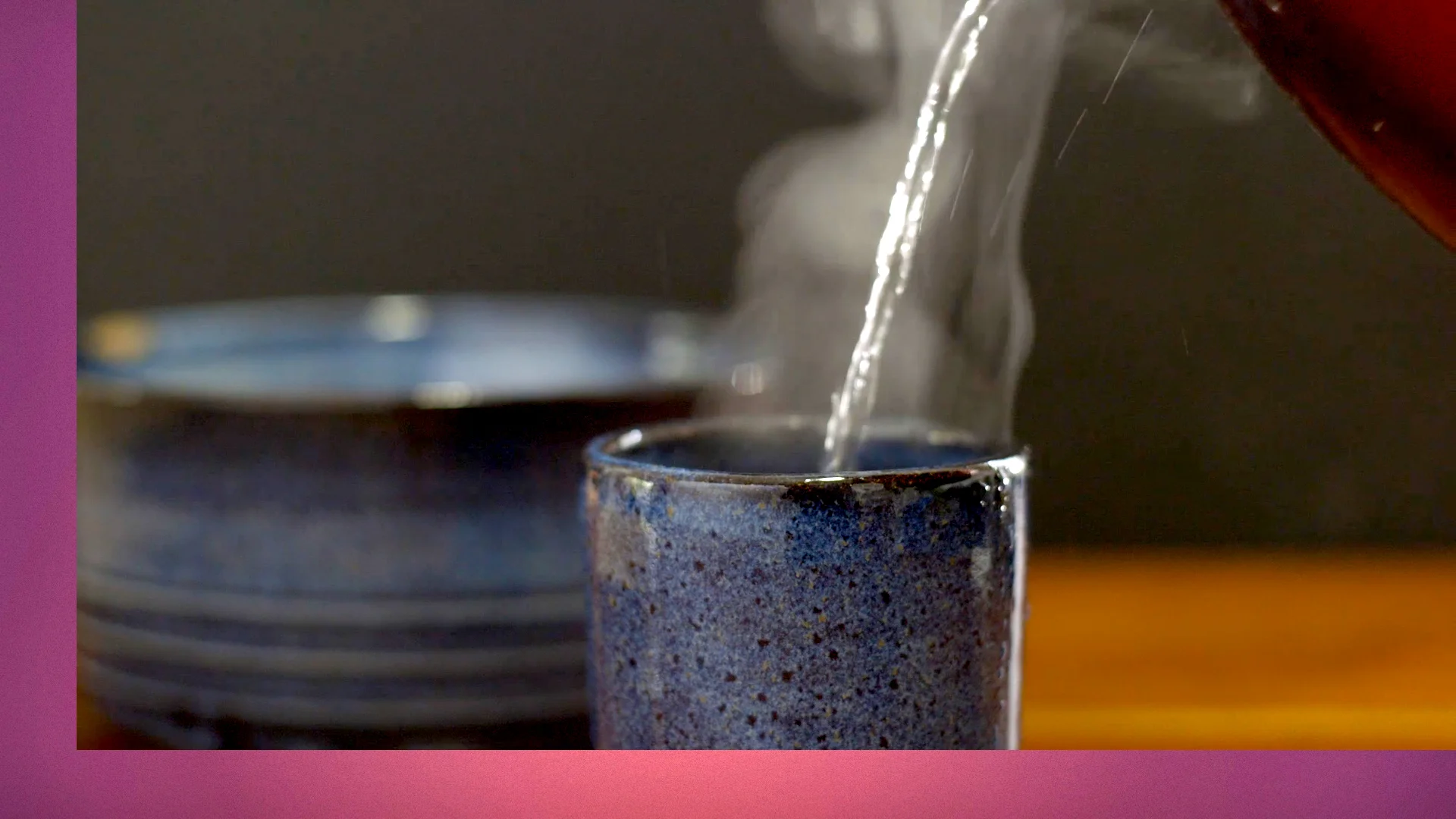
We’re going to show you some lighting tips and tricks you can use on any shoot, like making steam actually show up, using lensers and black wrap. If you shoot food videos, you’re going to love this.
Over time, you learn certain tricks of the trade that stay with you and become habits but they’re not always taught I’ve found because, well, they’re habits. You just do them, you don’t think about them. I’ve collected a few here for you.

We are going to talk about eye lights, two reasons to use them and two different ways to create them, and what the hell do they have to do with Capt. Kirk and Morticia Adams.

Daylight streaming in a window is a great light source but it means only shooting during the waning daytime hours. What if you could shoot a daylight interior, at night, with basic lights you can buy on Amazon and from your local hardware store?

We’re going to look at some tips and tricks for shooting great tabletop shots, whether it’s a product shot or an insert shot. We cover issues to watch for when you get in up close, how to sculpt an object with light and cards and how to build your own tabletop lighting softbox.

Guerrilla filmmaking means working with what you have to the best of your ability and in the area of lighting, nothing is better than using that great illuminator in the sky the sun. It shines without charge and is tax-free. Let’s talk about ways to leverage it for your interior lighting and how to augment it affordably.
Frank shows you how to light with window daylight, adding a bounce card, daylight balanced fill light and adding an edge light. He also covers how to ensure you buy the right lamps and bulbs to work with natural daylight.
Today we're going to show you three simple video tests you can record to help you discover your visual style. In each test, we’re going to change just one parameter to see how it affects the look and feel of our shot. You can apply this same principle to other forms of video and audio tests.

If you’re used to shooting inside, taking your video camera outside can be a study in contrasts, especially here in sunny California where the midday sun is high and harsh. Frank demonstrates some tricks to work with that big lumen maker in the sky: covering diffusion, exposing for a soft background with neutral density filters (ND's) and using a bounce reflector for back-lit subjects.

Lumens and Lux have started showing up in the specs for video as well as commercial lights, but what are they and how can you use them? Frank explains the difference between Lux, Lumens and Foot Candles, how to convert them, and which specs are helpful and which aren’t when you're purchasing or renting lights for your video production.

Filming insert shots can be fun and interesting, but a little tricky if your actor has to hold something steady in the frame. Frank demonstrates a grip trick using a pigeon plate and a grip stand to help film nice, steady insert shots and talks a little bit about French oak wine barrels.

Frank looks at the world of affordable fluorescents, how to attach them to light and grip stands, and explains CRI ratings so you can avoid green lighting.

Frank rediscovers a tried and true piece of common hardware in his kit and uses it to fill in those black holes in his shot. At some point, when lighting for your video production, you just run out of lights. What to do? You have a lot of CFLs and LED bulbs but no more lamps to put them in.

We’re going talk about two basic types of practical dimmers, a standard dimmer that’s used with tungsten lights, and electronic dimmers that work with everything including LEDs and dim-able CFLs.

Frank reviews the Neewer Umbrella Softbox and demonstrates how he uses it with a dual LimoStudio socket light. He also explains why he’s so excited about a product that only costs $7.50.

How to Make Transparent Liquids Pop
Lighting liquids for table top or an insert shot can be a little difficult, because, well they’re generally transparent. You need to reflect light off of something in order to see and record it right? So how do you do that when it’s mostly transparent. Here's a few tips and tricks.

If you tend to shoot inside, you probably rely on natural daylight as much as possible. Whether shooting in a corporate office or your living room, window daylight may be your key, backlight and/or ambient fill. But you still need some additional lighting to augment it, to add what’s missing.
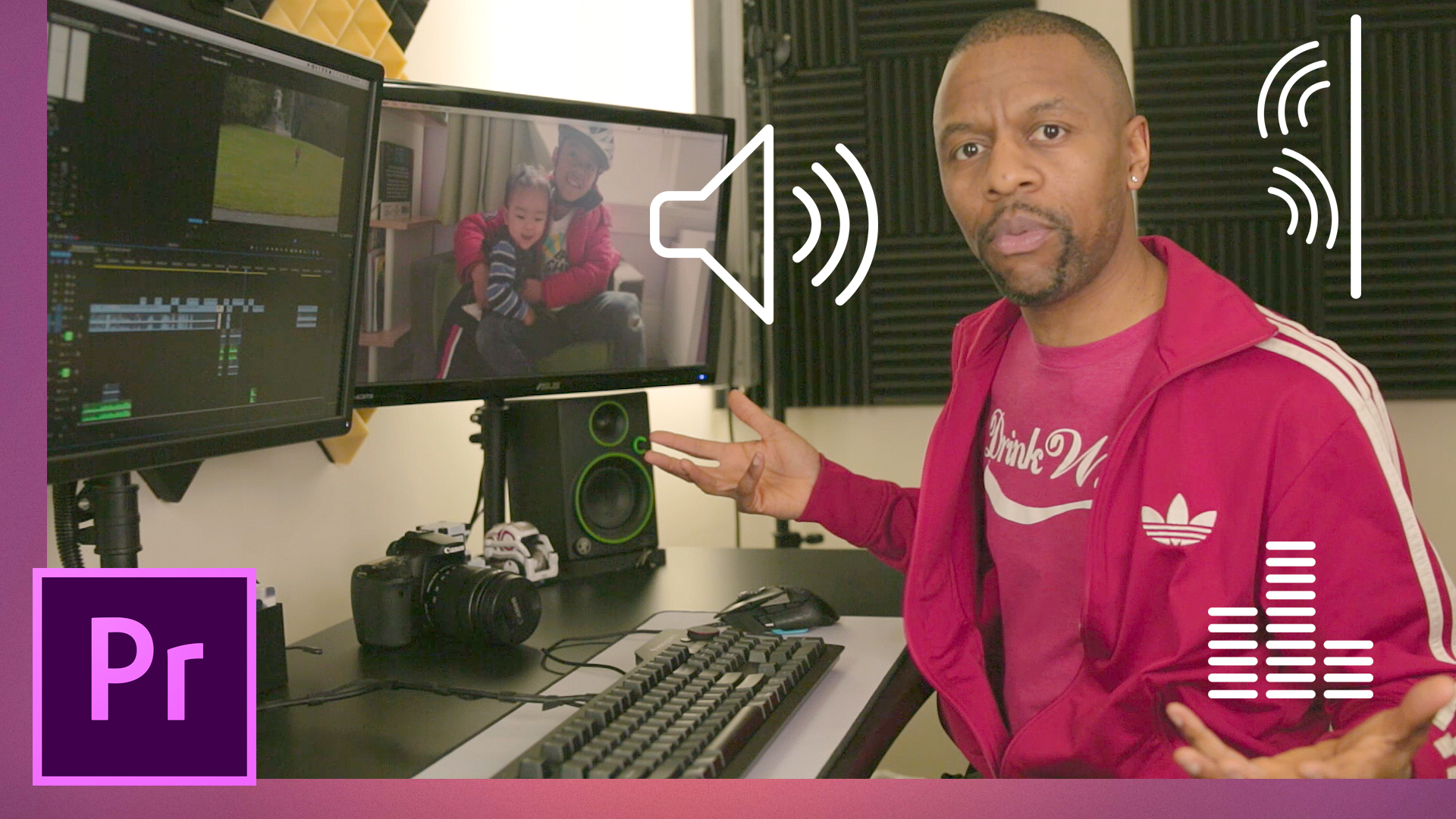
It's easy to add reverb to make someone sound like they're in a big cavernous space but how do you simulate clean captured audio of someone far away in an open space? Manu covers the three main steps in detail and for advanced users, he shows the magic of Convolution Reverb.

Even with good mics, recording decent audio during a take can be an issue for independent filmmakers. What do the big boys do? ADR the hell out of it in post.

Need affordable music for your video projects that's easy to find and sounds divine? Check out these top 5 free music download sites presented by the one and only, the never lonely, DJ Potato from WPMF. If you’re looking for royalty free, creative commons, and copyright free background music for your videos, then you will be escorted, without fear of being deported, to the best free sounds around.

See how using the Remix feature in Adobe Audition CC can make editing music faster. Remix can automatically re-arrange any song to fit any duration. We show you all of the advanced parameters and what they do. Remix can help you quickly make music loops and cut down or extend the length of your background music.

Spuds breaks down the microphone types we use in video production so you can figure out the right microphone for your needs. He covers the tips and tricks of microphone use so you can record the best audio by using the right tool in the right way.

Right from the start, audio for your production rarely comes in sounding perfect. You'll probably have to do some post production to get the best sound. Even still, let's make sure the audio is the best it can be before it goes to post. Don't leave it until post production.
Maybe you're interviewing someone for a documentary, Youtube, or a client project. How do you get the best out of that person? We'll show you video interview tips and techniques we've learned over time as well as some from award-winning documentarians like Veronica Moscoso ("A Wild Idea") and Amy Sewell ("Mad Hot Ballroom").

Ross Lowell, founder of Lowell Lights and the man who created our beloved gaffers tape, passes away at the age of 92.

You may create mood boards to show your DP what look you want for your film. You may play music or movie clips for your editor to convey the feeling you're looking for. When working with actors as a director, how do you prepare? What can you convey to them to help communicate your vision?
Frank discusses his method based on his training with the esteemed directing/acting teacher Lenore DeKoven.

Script continuity notes, circle take sheets, footage logs. I got into filmmaking to make films not do paperwork. There are a ton of production forms but which ones are important and why during a production shoot? We will show you.

From small to large productions, continuity in your videos is important. When your footage reaches the edit state, you need to have consistent shots so objects aren’t disappearing in and out of frame. Learn a little about who is responsible for this task and even try our little visual “continuity quiz”.

If you have to shoot into the glass on an oven door, car window or picture frame, how do you remove reflections that distract from your image? Sometimes you even see the camera.

Today we are going to talk about basic yet important makeup tips that will improve your filmmaking projects.
Today way have an awesome guest, Jocelyn Barrios, to talk about on set makeup.
For a lot of filmmakers, I’m going to bet due to limited resources, you probably ask your female actors to handle their own makeup, and for the men, well, they’re fine. Men don’t wear makeup anyway.

For filmmakers who haven’t worked on a film set, here are 10 must know onset tips that will make your video production shoots go so much easier.

Filmmaking is hard work. It requires many creative and technical choices during production and in post production to make just a simple scene. Spuds gives three video and audio exercises that helped him learn how to make short films.

Every wondered what a grip, gaffer or 1st AC do? Okay but maybe your parents and friends keep do and won’t stop asking you. Here’s a video link to send them to get them off your backs. Spud’s cousin Eugene the standup comedian gives you all the film crew job descriptions you need.

If you produce how-to and tutorial videos, you know that getting your shots is half the job, the other is editing. Frank explores some simple editing tips and tricks to help you improve the quality of your instructional videos and make them pop and look more professional. From adding effective narration, on-screen text, animation, audio and more.
Spuds breaks down the microphone types we use in video production so you can figure out the right microphone for your needs. He covers the tips and tricks of microphone use so you can record the best audio by using the right tool in the right way.
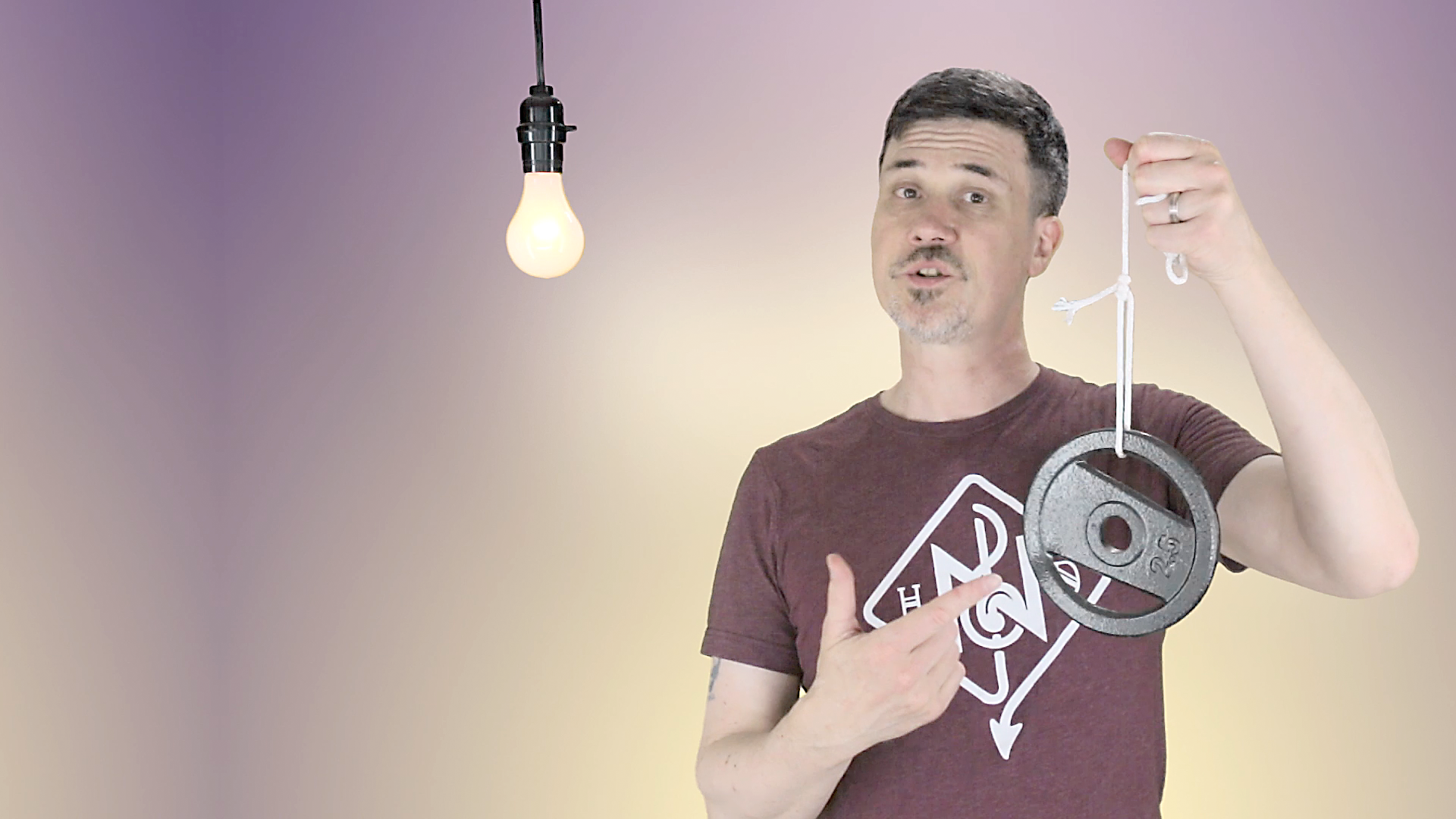
Positioning and repositioning an object to enhance a shot’s composition can be a bit tricky at times. Especially when the shot changes. That never happens.
So I’m going to show you the rolling hitch, a knot that will make adjusting hanging objects in your frame a lot easier.
Using a good video budget template is an important part of creating as accurate a budget as you can prior to creating your video. We'll show you how to use our video budget template, how to create your own, how to determine what your costs will be, and important tips we've discovered from years of producing video.

Everyone's on Zoom calls these days but you're in the Pull My Focus world. We jazz it up using OBS to Zoom Video over a network. How? Using the NDI protocol from NewTek.
Knowing the names of the different types of camera shots is important but how do you decide when to use them? Would a close-up, medium close-up or medium shot work best for this scene? Should I use over the shoulder shots for a conversation? And what if the characters are not even facing each other? We'll show you the differences and the why to help you decide what shots work best for your projects.

As a follow up to our storyboarding video, Frank covers simple exercises to help you create expressions for your storyboard characters. Whether you draw stick figures or use Storyboarder, adding expressions is as easy as 1, 2, 3. No seriously, 1 for eyebrows, 2 for eyes, 3 for a mouth, you’ve got an expressio

Video can be a difficult craft that requires some technical know how but also countless creative choices the require you to think like your viewer. Want to know a few good tips to help you improve how you make your videos and how they’re watched?

Frank asks you when a storyboard would be helpful and why, and shows how to create storyboards and animatics using paper, the app Paper, and this new, amazing, free program Storyboarder that actually, really works. OMG, he is not joking.
You don’t need to create beautiful storyboards for the world to see, just okay ones that allow you and your editing and team to figure out if the shots you plan to shoot will give you the vision you see in your head.

On the surface, a shot list communicates what coverage you intend for a scene. But we all know once you get to set, something always has to give. You either lose, combine or even add shots to ensure you have coverage by the end of your shoot day.
Today we’re going to show you how to break down a script: the traditional way they’ve done it in Hollywood forever, how it's changed in the digital age and how to pare it down and modify it a bit for your shorter indie projects.

The standard script format doesn’t work for all situations so the AV 2-column script was born. We’ll show you how to create, format and use an AV script for your video projects.
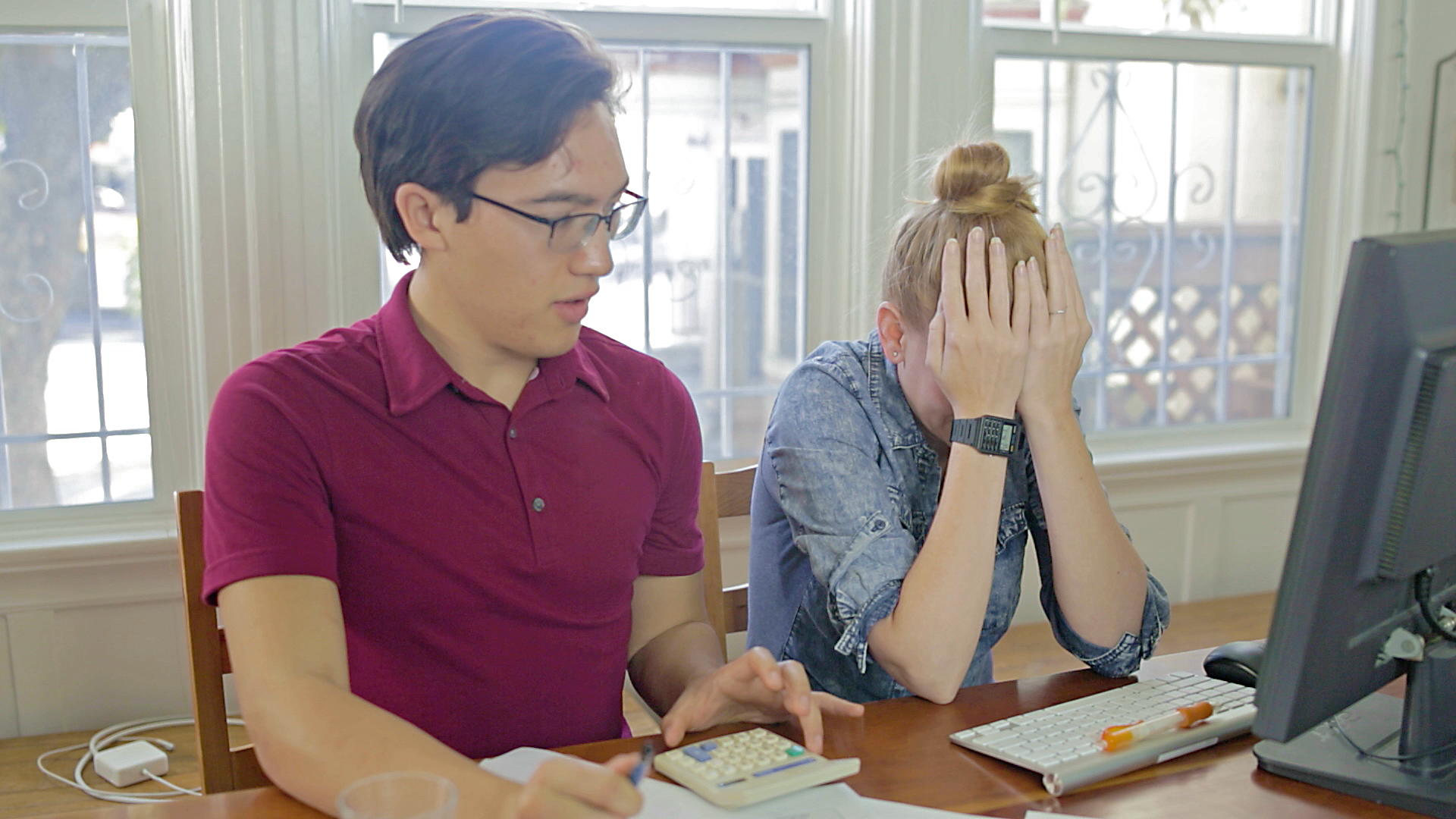
For some of you, the idea of creating a budget may be daunting. Where to start? what if my numbers are off? I hate numbers! I hate math! Look I hear you and I used to be the same way. But here’s the thing. You know how shot lists always seem to change when you’re on set, but because you created them ahead of time, you’re able to adjust your shots on the fly? You’re prepared for the curve balls that filmmaking always seem throw at us. Well it’s the same thing with budgets.
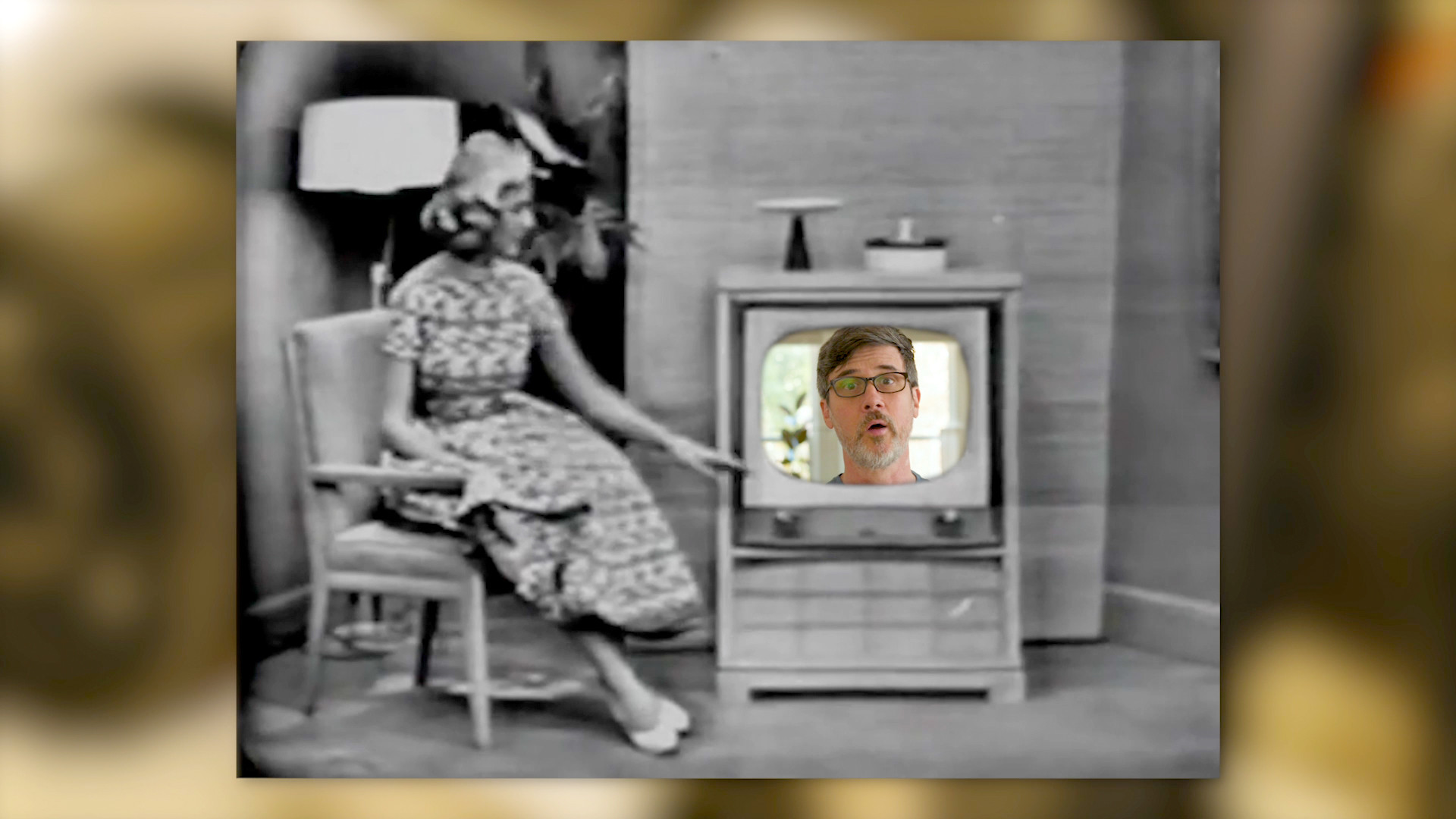
Video marketing is still growing and become a necessity for companies like a web page and an email campaign have. Everyone watches Youtube and everyone says you and your clients need to be on it. But it feels like a black hole when it comes to views. Is it worth it and what makes it work?

Today we’re used to seeing movies in 3D. But back in the day, it was one of many movie gimmicks meant to entice the public to see a film. We encourage you to watch this thrilling video chronicling our top 5 favorites but we warn you, you will not be the same after. Beware.

So some of your Youtube stats are good and some not so good. We’re going to turn you on to some great resources and useful tips to help get those numbers up.

YouTube gives you a ton of analytics but how do you know, especially when you’re starting out if you’re doing okay? Early on, you can’t compare yourself to channels that have been around for years with thousands or even millions of views and subscribers.
But there are helpful statistics and their averages that you can calculate and use, like subs per views, comments per views, likes per views or even how many views you should have per video on average per subscriber.

When producing a promo you need a concept in place before you even think about production or preproduction. And before you can come up with that concept you need to sit down with your subject and discover who the target audience is, what needs to be conveyed to them and why the action they want them to take.
What do you charge a client for your work? How do you determine a rate and an estimate that will win you a client bid and make you money? In this video series, we look at how you determine what to charge for your hourly and day rate, and tips on negotiating with potential clients.

If you’ve been in the business for a while, you not only know how to estimate and bid a project, you’re probably used to the negotiating that goes on as well. For those new to the game, in this video series, we look at not only the mechanics of how you determine what to charge, like your hourly and day rate but also tips on how to deal with negotiating.
For some of you, the idea of creating a budget may be daunting. Where to start? what if my numbers are off? I hate numbers! I hate math! Look I hear you and I used to be the same way. But here’s the thing. You know how shot lists always seem to change when you’re on set, but because you created them ahead of time, you’re able to adjust your shots on the fly? You’re prepared for the curve balls that filmmaking always seem throw at us. Well it’s the same thing with budgets.
Topaz Video AI by Topaz Labs has reached version 4! This amazing video application can not only enhance existing video, but it can also give you better slow-motion, stabilize shots without a gimbal and make old DSLR HD video look great! See how it handles our 1990's video from a 1990's Hi-8 camera...just like back in the 1990's!!